

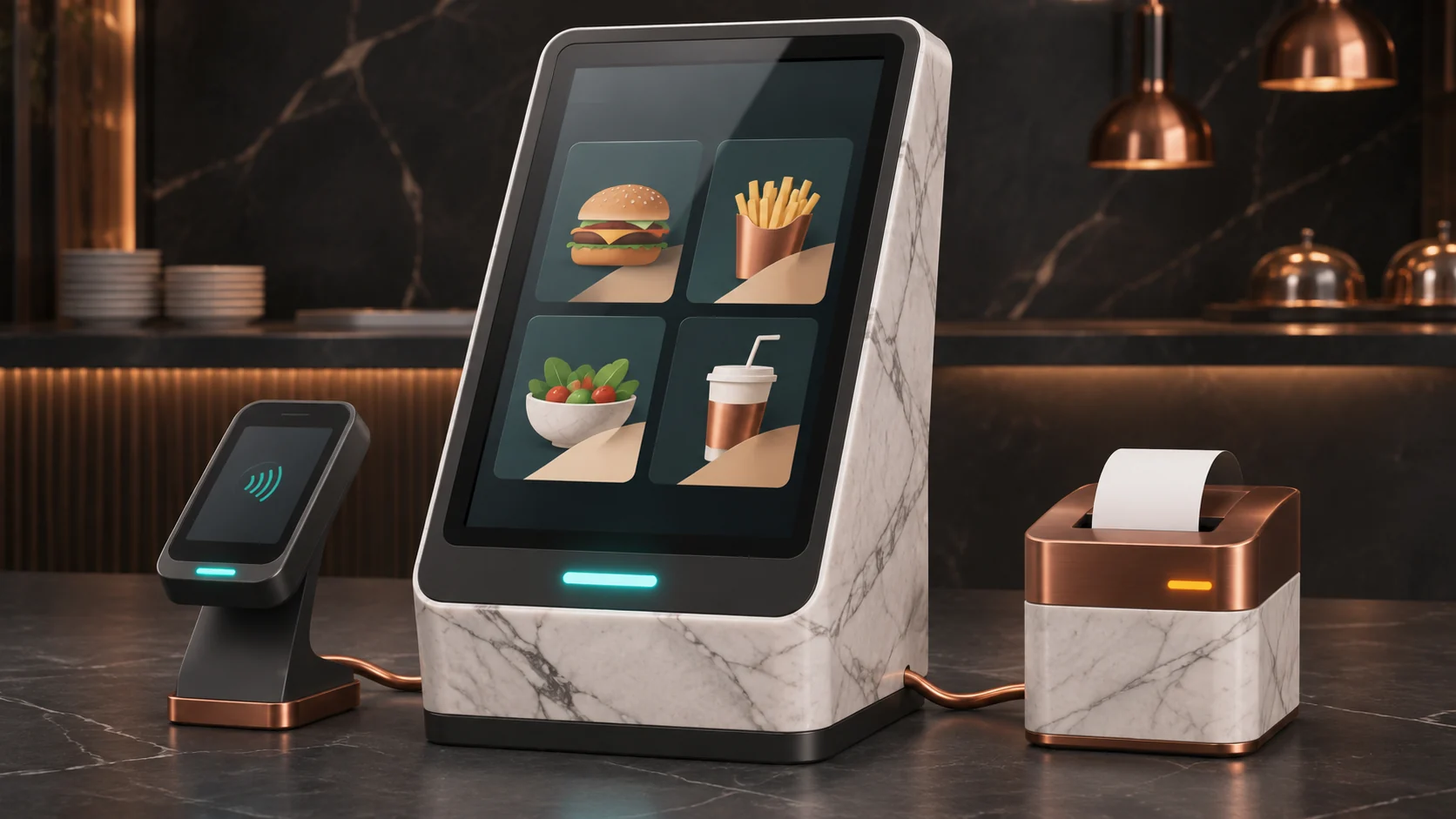
When a guest taps a card and the kiosk loses its connection, the safest answer is to keep the same order open and check what happened to its payment. A stalled screen can leave a paid order waiting for the kitchen, and a failed printer can hide a ticket that already reached the restaurant system. Keep order, payment, and fulfillment records separate so each problem has a specific recovery step.
This guide is for quick-service restaurant operators, franchise technology leads, and the people who install and support their kiosks. Start with one store, one supported payment terminal, and one kitchen handoff. Use the same fault tests to compare a custom embedded host with a commercial kiosk.
Give each order a record that survives the kiosk
When the guest presses Pay, have the order service save a stable order ID, the store, the cart version, the total and currency, and the checkout attempt before asking the provider to start a payment. Keep the payment reference alongside the order once it is assigned. The screen should reopen that order after a restart using an opaque recovery reference. Staff can look it up in an approved view.
- Payment. The backend records whether payment is pending, authorized, captured, failed, or awaiting review. The provider’s confirmed state determines the next action. Authorization and capture can be separate steps, depending on the integration. The kitchen release rule must specify which provider state qualifies.
- Kitchen handoff. Record the intended destination, send attempt, and confirmation from the restaurant system, where that system exposes one. Give the receiving system the same order ID as its deduplication key. If the point of sale or kitchen system offers no reliable lookup or duplicate handling, send an uncertain outcome to staff review before retrying.
- Printing. Use the order ID and print job type to track a receipt or kitchen ticket separately. A thermal printer is an output device. An accepted byte stream may be buffered, interrupted, or printed without a final confirmation. Staff need a named reprint action marked as a copy, with the original order number.
Keep the order and payment mapping in durable backend storage. Where the backend owns dispatch, save the confirmed payment state and the pending kitchen dispatch together before a background worker sends it. That gives a restart a reliable place to resume. Keep local kiosk records limited to what is needed to restore the session and follow the store’s retention policy.
Work through a timeout after a guest taps
In this example, order Q1047 totals $18.65. The card terminal processes the tap, but the kiosk loses its connection before it can show the result. The guest returns to the same order and sees “Checking your payment. Please wait before tapping again.” The pending checkout stays visible to staff. The backend queries the existing payment reference and confirms one captured payment for Q1047.
The kitchen receives Q1047 once. The receipt printer reports paper-out, so the kiosk shows the order number and directs the guest to the pickup counter. When staff reload the paper, they can print a copy under the same order number. A delayed duplicate provider event leaves the payment and kitchen records unchanged. If the provider status had remained unknown, staff would keep that transaction open for reconciliation before starting a new payment.
Use the provider’s supported retry mechanism on the original payment when permitted. Apply a stable idempotency key to each retryable operation and preserve the order-to-payment mapping independently of the provider’s key retention window. Verify webhook signatures, deduplicate notifications, and check account, order reference, currency and amount before advancing the order. Delayed or out-of-order messages should not take a confirmed payment backwards. Stripe’s server-driven Terminal guidance, idempotency reference, and webhook guidance illustrate the pattern. The exact states and retries depend on the chosen provider.
Choose a host, screen, and peripherals you can support
- Host and network. An ESP32-P4 can run a focused LVGL kiosk interface, talk to a backend, and operate supported peripherals. Espressif’s P4 evaluation board uses a separate ESP32-C6 module for wireless connectivity. Prefer Ethernet where practical and test whichever wireless path you deploy under a busy shift. Decide whether a commercial embedded host is a better fit if the supported payment integration requires a particular operating system or browser.
- Panel and touch sensor. A 10.1-inch capacitive touch panel can use MIPI DSI for pixels and a separate supported touch-controller interface, often I²C. Match the panel’s lane count, timing, color format, power, backlight and touch driver. Espressif’s DSI guide documents the P4’s two lanes at up to 1.5 Gbit/s each. As a sizing check, a 1920 × 1080 RGB565 frame takes about 4 MB, or about 8 MB for two buffers. At 1080p and 60 frames per second, 24-bit active pixels alone require about 2.99 Gbit/s before link overhead. Benchmark the exact panel, color format and rendering workload before committing to full HD or 60 FPS.
- Graphics and idle content. The P4 pixel-processing accelerator can assist with operations such as scaling and blending. Those operations share memory bandwidth with screen refresh and the application. Start with still images or a measured low-load motion loop and suspend it during checkout. Espressif documents H.264 hardware encoding. Playback requires a decoder, so validate the chosen software playback path or keep the idle content simpler.
- Scanner and printer. A 2D barcode imager can read loyalty or order pickup codes. Check whether the exact scanner uses USB HID, USB serial, or a vendor-specific interface. Confirm device class, power and recovery with the actual USB host stack and hub configuration, especially for mixed device speeds. For a thermal printer, match the interface and electrical levels. A UART needs an appropriate transceiver for an RS-232 printer. Some printers expose paper, cover and offline state through ESC/POS, such as Epson’s model-dependent real-time status command.
- Payment terminal. Use a provider-supported reader for contact and contactless card payments, with an approved integration for the actual unattended setting. Prefer a path where the kiosk exchanges order and payment references while card data stays in the provider’s payment environment. Check network, software and reader requirements with the provider and acquirer. The PCI Security Standards Council guidance explains why device approval alone cannot establish a merchant’s PCI DSS compliance or scope.
Make the kiosk usable where it will be installed
Test the full task from the guest’s approach through order confirmation. Check readable prices and prompts, reachable controls, timeouts that allow enough time, and a clear route to staff help. Include payment-terminal and receipt reach, space to approach, glare and reflections, and nonvisual interaction where required. The U.S. Access Board’s self-service terminal resources explain the accessibility considerations and rulemaking context. Have the appropriate reviewer establish the requirements for the actual deployment.
For an outdoor parking terminal, test the display in direct sun and at night, including the cover glass, condensation, touch behavior and thermal conditions. Parking also needs its own durable entitlement record, such as the vehicle or space, applicable tariff, validity period and confirmed transaction. A paper receipt failure must have a documented recovery path so the operator can check the paid session. Keep barrier or enforcement decisions in the responsible system and test what happens when that system is unreachable. Check payment provider support for unattended outdoor use and local requirements before transferring the restaurant design.
Test failure recovery and compare the installed cost
- Interrupt the order at three points. Disconnect before the terminal starts, during an unknown outcome, and after a confirmed payment but before the kitchen acknowledgment. Reboot the host and replay duplicate and delayed provider events. Require one captured charge for each successful order and one accepted kitchen order. If either status cannot be established, the exception needs an owner and a record.
- Test peripheral and store fallback. Unplug the scanner and power-cycle the hub, remove printer paper, and simulate a restart while printing. Prove staff can retrieve a paid order and reprint a marked copy. During outages, allow menu browsing if current prices and availability are clearly indicated. Pause new card checkouts unless the provider explicitly supports an approved offline workflow with agreed risk and reconciliation.
- Measure the experience under realistic load. Compare input-to-screen response, checkout time, time until the kitchen accepts a ticket, and time for staff to recover an interrupted order. Record the hardware, firmware, panel and network for each trial. Use the same menu, peripheral mix and test scenarios for any commercial or custom host.
- Price the deployed system. Include the panel, enclosure, power, reader, printer, installation, spares, integration, support and security updates. Compare maintenance of firmware, libraries, terminal software and peripheral drivers as well as the compute module quote. Plan how to deploy signed updates, recover a failed upgrade and support stores that are offline.
A successful pilot leaves the store with an order record staff can recover, a short list of tested fallback actions, and enough measured performance and cost data to choose the host. Start there before expanding to more lanes or stores.